
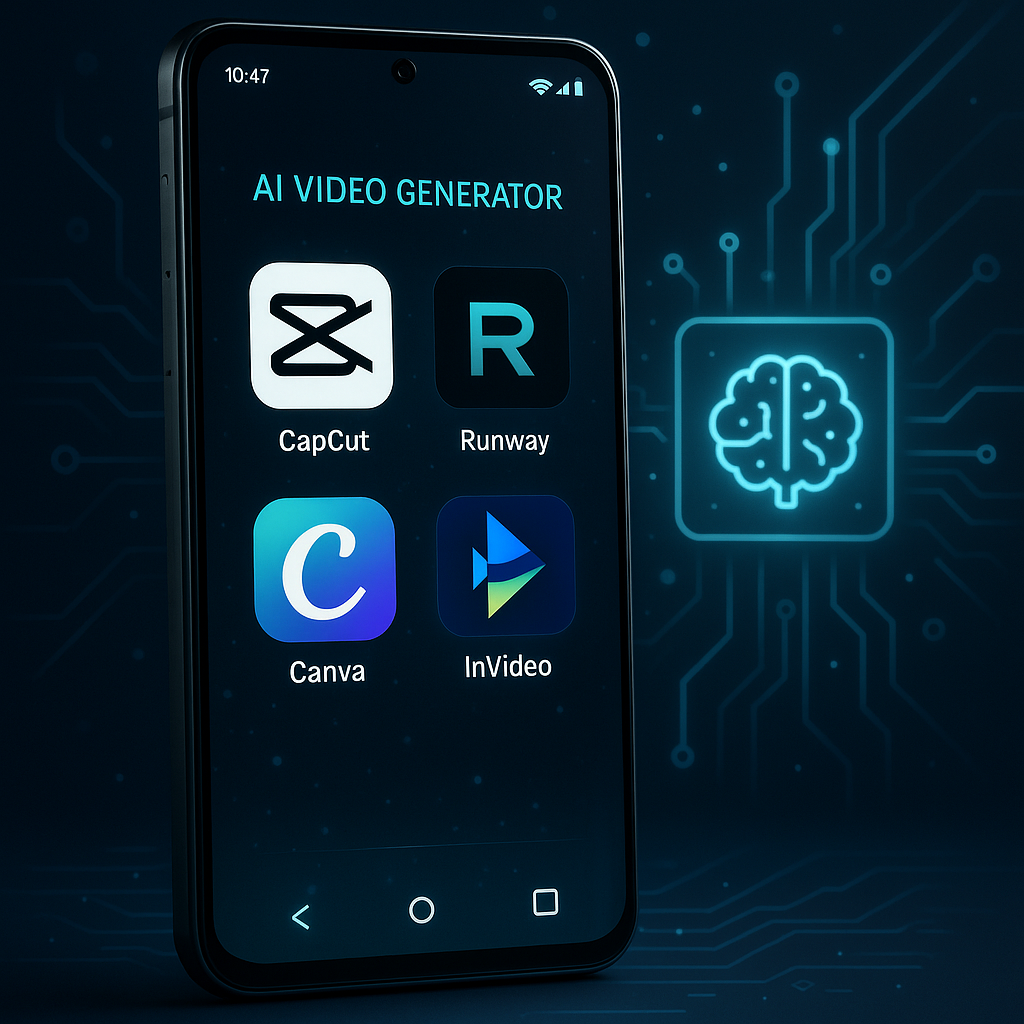
- 1. Best Free AI Video Generator Apps for Android (2025)
- 2. Why AI Video Generator Apps Are Blowing Up in 2025
- 3. What You Should Look For in an AI Video Generator App
- 4. Best Free AI Video Generator Apps for Android (2025)
- 5. Comparison Table Of best free AI video generator apps for Android in 2025
- 6. My Personal Picks (Based on Use Case)
- 7. Tips to Get the Best Output From AI Video Apps
- 8. FAQs
- 9. Final Thoughts
1. Introduction [best free AI video generator apps for Android in 2025]
2. Why AI Video Generator Apps Are Blowing Up in 2025
3. What to Look For in a Good AI Video Generator App
4. Best Free AI Video Generator Apps for Android (2025)
CapCut
Runway Mobile
Fotor AI Video Generator
VideoGPT App
Digen AI
Canva AI Video (Android)
Invideo AI Mobile
5. Comparison Table (Features, Pros/Cons, Price)
6. My Personal Picks (Based on Use Cases)
7. Tips to Get the Best Output From AI Video Apps
8. FAQs
9. Final Thoughts
1. Best Free AI Video Generator Apps for Android (2025)
Introduction
Let’s be real — 2025 ka vibe pura AI-driven ho chuka hai. Whether you’re making reels, YouTube shorts, gaming edits, or full-on storytelling videos, AI apps literally save HOURS of work. And since not everyone has a fancy PC or paid software, Android users are hunting for free AI video generator apps that actually deliver.
So I tested, researched, and compared tons of apps — and here’s the most honest, helpful, and up-to-date list you’ll find this year.
2. Why AI Video Generator Apps Are Blowing Up in 2025
A few reasons why these apps are everywhere:
Creators want speed. AI can turn text into videos in minutes.
Short-form content dominance. TikTok, Reels, YouTube Shorts = massive demand.
Android phones are powerful now. A 15k phone can run tools that used to require PCs.
Free AI tools got better. Earlier only paid tools worked well — now free ones are 🔥.
And honestly, with apps like Runway and CapCut pushing insane updates, Android users are winning big.
3. What You Should Look For in an AI Video Generator App
Before installing anything, check these:
✔ AI Text-to-Video Quality
Does it create realistic animation or slideshow-style? 2025 me dono options milte hain.
✔ Templates + Editing Tools
Basic editing, subtitles, transitions — must-have.
✔ Export Quality
Does it let you download 1080p without watermark?
✔ Speed
Some apps take forever to generate one clip.
✔ Pricing
Free plan useful hona chahiye, warna no point.
Now, let’s get into the main list.
4. Best Free AI Video Generator Apps for Android (2025)
Below are the apps that genuinely performed well — from realism to speed to free usability.
1. CapCut (Android)
If you’re on Android and want the easiest, all-in-one AI generator, CapCut is pretty much the default option.
Key Features
Text-to-video
Auto-caption + script generator
Background removal
Templates for Insta, TikTok, YouTube
AI-powered effects, face enhancement
Why It’s Good
CapCut is by far the fastest free tool for short-form AI videos. It doesn’t make full cinematic AI scenes like Runway, but it’s perfect for reels, educational videos, product videos, and storytelling best free AI video generator apps for Android in 2025.
Pros
100% free features
No watermark
Beginner-friendly
Massive template library
Cons
Advanced AI scenes not available
Requires good internet for rendering
2. Runway AI (Mobile Web App)
Runway’s official Android app isn’t fully released everywhere, but the mobile version works insanely well.
Key Features
Realistic AI text-to-video
Gen-2 + motion generation
Stylized video creation
AI actors and AI editing tools
Why It’s Good
Runway is one of the most realistic AI video creators globally. Even pro creators use it. If you want cinematic or animated shots… this is the one.
Pros
Best realism
Premium Hollywood-level quality
Powerful editing tools
Cons
Free plan very limited
Requires strong device + internet
3. Fotor AI Video Generator
Super underrated and crazy good for simple AI videos.
Key Features
Text-to-video
AI image-to-video
Creative styles
Fast rendering
Pros
Clean UI
Beginner friendly
Free credits every day
Cons
Limited advanced animation
Some styles look artificial
4. VideoGPT (Android Web App)
This one climbed fast in 2025 rankings.
Key Features
Anime-style AI videos
No editing skills needed
Fun, stylized prompts
Pros
Fastest generation on this list
Free plan good for beginners
Perfect for TikTok/shorts
Cons
Not suitable for realistic scenes
5. Digen AI (Android)
Digen AI converts images into professional-looking motion videos.
Key Features
Text + image-to-video
Lip-sync
Character animation
Scene enhancement
Pros
Great for influencers
Realistic face animation
Free daily usage available
Cons
Sometimes slow rendering
6. Canva AI Video (Android)
People sleep on Canva, but their AI upgrades in 2025 are wild.
Key Features
AI video generator
Auto-editing
Captions
Templates
Script-to-video
Pros
Best UI on Android
Tons of templates
Free plan solid
Cons
Text-to-video not as realistic as Runway
7. Invideo AI Mobile (best free AI video generator apps for Android in 2025)
Invideo is huge for text-to-video creators.
Key Features
Full script → video generator
Voiceover AI
Automatic scenes
Social media templates
Pros
Amazing for YouTube creators
Generates videos fast
Very easy to edit
Cons
Some features locked behind upgrade
5. Comparison Table Of best free AI video generator apps for Android in 2025
App Best For Realism Free Plan Ease of Use Speed
CapCut Short videos Medium ⭐⭐⭐⭐⭐ Super easy Fast
Runway Cinematic AI ⭐⭐⭐⭐⭐ ⭐ Medium Medium
Fotor Simple AI videos ⭐⭐ ⭐⭐⭐ Easy Fast
VideoGPT Anime videos ⭐⭐ ⭐⭐⭐⭐ Very easy Super fast
Digen AI Face animation ⭐⭐⭐ ⭐⭐⭐ Medium Medium
Canva AI Templates ⭐⭐ ⭐⭐⭐⭐ Super easy Medium
Invideo AI Script → video ⭐⭐ ⭐⭐⭐ Medium Fast
6. My Personal Picks (Based on Use Case)
Best for Realistic Video:
Runway AI
Best for Beginners:
CapCut
Best for Anime / Stylized Videos:
VideoGPT
Best for Face Animation:
Digen AI
Best for YouTube Creators:
Invideo AI
7. Tips to Get the Best Output From AI Video Apps
Keep prompts short and clear
Add visual style references (e.g., “cinematic, anime, realistic”)
Use good lighting in input images
Avoid overly complex scenes
Try multiple prompts — AI improves with retries
8. FAQs
1. Can Android phones really generate AI videos in 2025?
Yes! 2025 phones are powerful enough to run advanced AI models or cloud-based systems. Even budget Android phones can generate 1080p videos through apps like CapCut and Canva.
2. Which app makes the most realistic AI videos?
Runway AI remains the king of realism. Its Gen-2 engine is used by professional creators and filmmakers.
3. Which app is 100% free with no watermark?
CapCut — hands down. It’s the most generous free AI video app on Android.
4. Best app for YouTube videos?
Invideo AI and Canva AI are perfect for script-based and tutorial-style content.
5. Best app for text-to-video?
Runway (realistic)
Invideo (script-based)
CapCut (fast + simple)
6. Can I use these AI videos commercially?
Most allow it, but always read the usage policy inside each app because some tools may limit commercial rights.
7. Which one is easiest for beginners?
CapCut and Canva — both are super beginner-friendly.
9. Final Thoughts
best free AI video generator apps for Android in 2025 are honestly a game-changer. Whether you’re a creator, gamer, business owner, or just someone making fun reels, these tools make video creation insanely fast and affordable.
If you’re confused about where to start, just install CapCut or Invideo AI, and you’ll be good to go. And when you want Hollywood-level shots, Runway is waiting for you.