
Table of Contents
1. Introduction
2. What “Free AI Video Generator Without Watermark” Actually Means
3. My Testing Process (Quick Overview)
4. Best 5 Free AI Video Generators Without Watermark
Dreamlux AI
Kapwing AI Video Generator
Vmaker AI
Picsart AI Video Generator
Luma Dream Machine
5. Comparison Table
6. When Should You Choose Watermark-Free Tools?
7. Mistakes Most Beginners Make
8. Best Tips to Get HD, Clean AI Videos (Free)
9. FAQs
- Introduction:-
- 2. What "free ai video generator without watermark" Actually Means
- 3. How I Tested Each Tool
- 4. The Best Free AI Video Generators Without Watermark (2025 Updated List)
- 1. Dreamlux AI
- 2. Kapwing AI Video Generator
- 3. Vmaker AI Editor
- 4. Picsart AI Video Generator
- 5. Luma Dream Machine
- 5. Comparison Table: Best Free AI Video Generators Without Watermarks
- 6. When Should You Choose a Watermark-Free AI Video Generator?
- 7. Common Mistakes Beginners Make
- 9. FAQs?
- Final Thoughts
Introduction:-
Finding a free AI video generator without watermark in 2025 feels like trying to find WiFi in a basement — possible, but you’ve gotta know where to look.
Most “free” tools do one of these things:
slap a massive watermark on your video
limit downloads
reduce quality
or lock features behind trials
After testing a bunch of tools (and wasting way too many credits), I decided to create a clean, honest guide that actually shows which platforms let you create and download AI videos without paying and without ugly logos.
This guide is part research, part personal experience, and part “I tried this so you don’t have to.”
2. What “free ai video generator without watermark” Actually Means
A lot of articles on Google gloss over this point, so let me clarify:
A real watermark-free AI video generator should allow:
Free video creation
Free export
No forced branding on the output
No 720p-only trickery
No “remove watermark by signing up for a trial” nonsense
I’m listing only the tools that genuinely passed these checks.
3. How I Tested Each Tool
I kept the process simple but practical:
1. Created 2–3 videos per tool — text-to-video and image-to-video
2. Checked if the final output had a watermark
3. Compared quality: motion, sharpness, style consistency
4. Checked download limits
5. Measured generation time
6. Noted how beginner-friendly the interface feels
If a tool added even a tiny watermark or required a paid plan to remove it, it didn’t make the list.
4. The Best Free AI Video Generators Without Watermark (2025 Updated List)
Below are the tools that genuinely deliver watermark-free videos — and not the fake “free trial but pay later” type.
1. Dreamlux AI
Best for cinematic, aesthetic text-to-video AI clips
Dreamlux is one of those tools I didn’t expect to like, but it surprised me in a good way. It’s extremely clean, smooth, and honestly one of the easiest platforms for beginners who want good visuals without editing.
Why it stands out:
100% watermark-free exports
Outputs look polished even without tweaking
Has a cinematic, modern style perfect for reels or storytelling
Fast generation time
Best for:
Aesthetic clips
AI art videos
Short creative scenes
Real-life example:
I tried converting a simple prompt — “rainy cyberpunk street at night, neon signs, slow motion” — and Dreamlux gave me a clip that looked straight out of an indie film. No watermark. No credit drama. Just… smooth.
2. Kapwing AI Video Generator
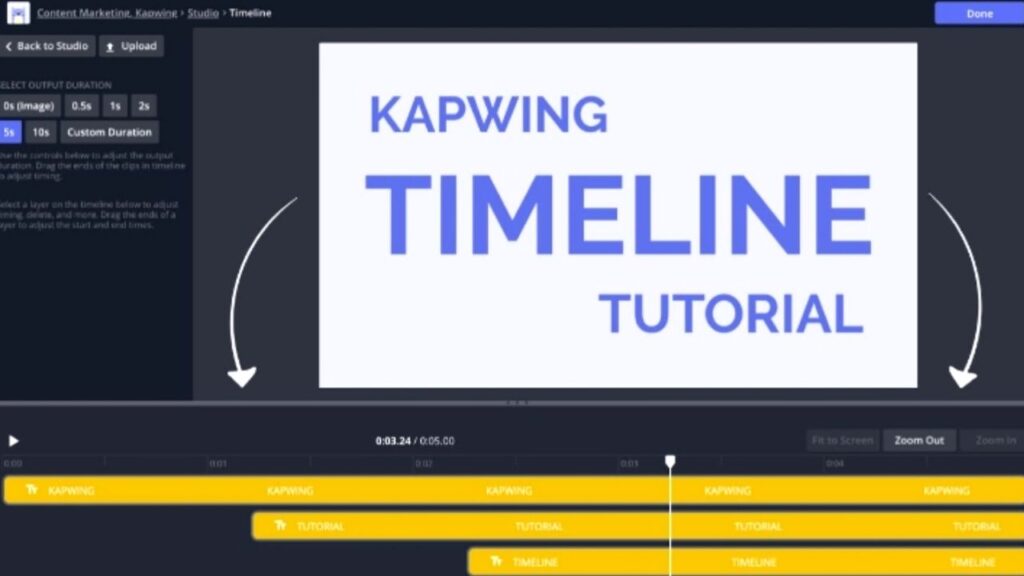
Best for ready-to-post social media videos
Kapwing is already a favorite among creators, but its AI video generator this year has gotten way better. What I appreciate most is that basic exports don’t include watermarks, which is rare for an editing-focused tool.
Why it stands out:
Beginner-friendly, drag-and-drop editing
Auto-subtitles, templates, and voiceover
Solid for YouTube Shorts, Reels, TikToks
No watermark unless premium features are used
Best for:
Explainer videos
Short-form content
Tutorials
Tip:
If you want fast content workflow without touching After Effects, Kapwing feels like a cheat code.
3. Vmaker AI Editor
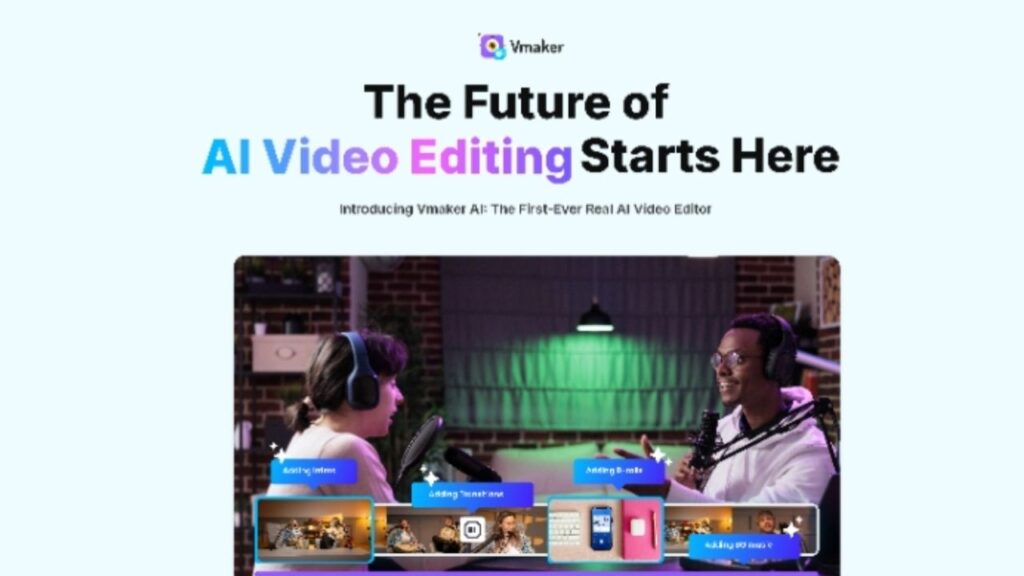
Best for professional-looking AI presentation videos
Vmaker blends AI + editing in a way that feels built for people who want quality without spending hours tweaking stuff.
Why it stands out:
No watermark even in free exports
Great templates for business-oriented videos
Smooth AI script-to-video feature
HD export support
Best for:
YouTube intros
Business explainers
Personal branding videos
Small opinion:
If you run a startup or agency, Vmaker is probably the easiest “looks professional instantly” tool on this list.
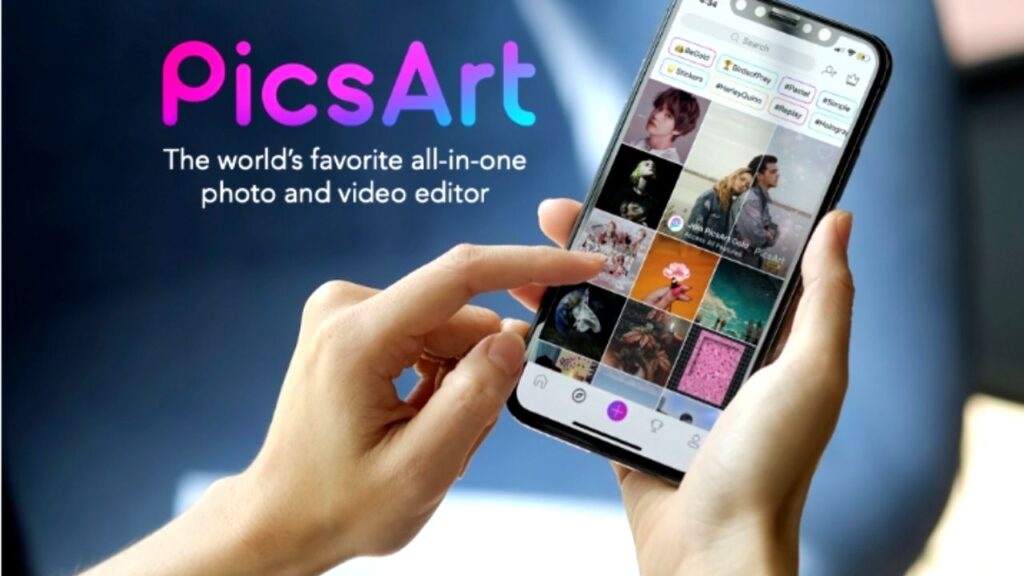
4. Picsart AI Video Generator
Best for trendy, short AI edits
Picsart is usually known for photo editing, but their AI video generator is surprisingly solid and does not add watermarks on standard exports.
Why it stands out:
Trendy styles for TikTok or IG
Super simple timeline
Free MP4 downloads
Great color grading presets
Best for:
Aesthetic edits
Quick reels
Character or stylized animations
Example:
I used Picsart to create a “glitchy retro anime loop” — took 30 seconds, looked dope, downloaded clean.
5. Luma Dream Machine

Best for insanely realistic AI motion
If you’ve seen those hyper-smooth AI motion clips on Instagram lately, chances are they came from Luma’s Dream Machine.
Why it stands out:
No watermark by default
The most realistic motion generation on this list
Perfect for creative storytelling
Great for looping videos
Best for:
Realistic animations
AI concept videos
Short cinematic loops
Note:
The only “downside” is that it gets busy during peak hours — but the quality is worth the wait.
5. Comparison Table: Best Free AI Video Generators Without Watermarks
Tool Watermark Best For Difficulty Download Quality
Dreamlux AI ❌ None Cinematic clips Easy HD
Kapwing AI ❌ None (basic) Social videos Very Easy HD
Vmaker AI ❌ None Professional videos Medium HD
Picsart AI ❌ None Trendy edits Very Easy HD
Luma Dream Machine ❌ None Realistic motion Medium HD/4K
6. When Should You Choose a Watermark-Free AI Video Generator?
Here’s the thing — sometimes a watermark-free tool isn’t just convenient… it’s necessary.
Choose watermark-free videos when:
You post on YouTube or TikTok
You’re making content for a brand
You’re creating product videos
You need credibility
You want to reuse footage commercially
A watermark makes the video look unprofessional even if your idea is amazing.
7. Common Mistakes Beginners Make
Let me save you some headaches:
1. Using overly complex prompts
AI doesn’t need a novel. Start simple.
2. Expecting 30–60 second perfect videos for free
Most free tools cap length — it’s normal.
3. Ignoring lighting & style cues
Adding 2–3 visual hints massively upgrades results.
4. Forgetting to check the output aspect ratio
If you’re making Reels… export in 9:16. Trust me.
8. Tips to Get Clean, HD, Beautiful AI Videos (for Free)
These small tricks make a HUGE difference:
1. Add mood words
Example: moody lighting, soft glow, cinematic tone
2. Use specific camera directions
“close-up,” “wide shot,” “slow motion,” “tracking shot”
3. Avoid extremely abstract prompts
AI works best when the visual theme is clear.
4. Add color styles
“neon colors,” “warm tone,” “cyberpunk pink-blue highlights”
5. Export in the highest resolution available
Even 1080p looks premium when lighting is good.
9. FAQs?
1. Are there truly free AI video generators without watermarks?
Yes — Dreamlux, Kapwing, Picsart, Vmaker, and Luma Dream Machine all allow watermark-free exports depending on features used.
2. Which tool is best for realistic AI videos?
Luma Dream Machine is currently the top choice for hyper-realistic motion and lifelike animation.
3. Can I use free AI-generated videos for commercial projects?
Most tools allow it, but always check their license page. Some require attribution or limit certain uses.
4. Which tool is best for beginners?
Kapwing and Picsart are the easiest — super simple UI and quick exports.
5. How do I remove watermarks if a tool forces them?
Either switch to a watermark-free tool listed above or upgrade your plan. Avoid third-party remover apps — they ruin quality and violate platform policies.
Final Thoughts
If you want a free AI video generator without watermark + free download, the good news is… there are legit options now. Tools like Dreamlux, Luma, Kapwing, and Picsart offer surprisingly high-quality videos without forcing you to pay.
The key is knowing which tools actually deliver — which is exactly why this guide exists.